If you want to teach yoga online, the teaching is the craft you already have, but almost everything around it changes: where the camera sits, how much you say out loud, which tool carries the class and how strangers find you. This guide covers the practical side: a home setup that works, platform types in plain terms, a class structure built for a screen, and a way to get your first students.
What do you need in place before you teach yoga online?
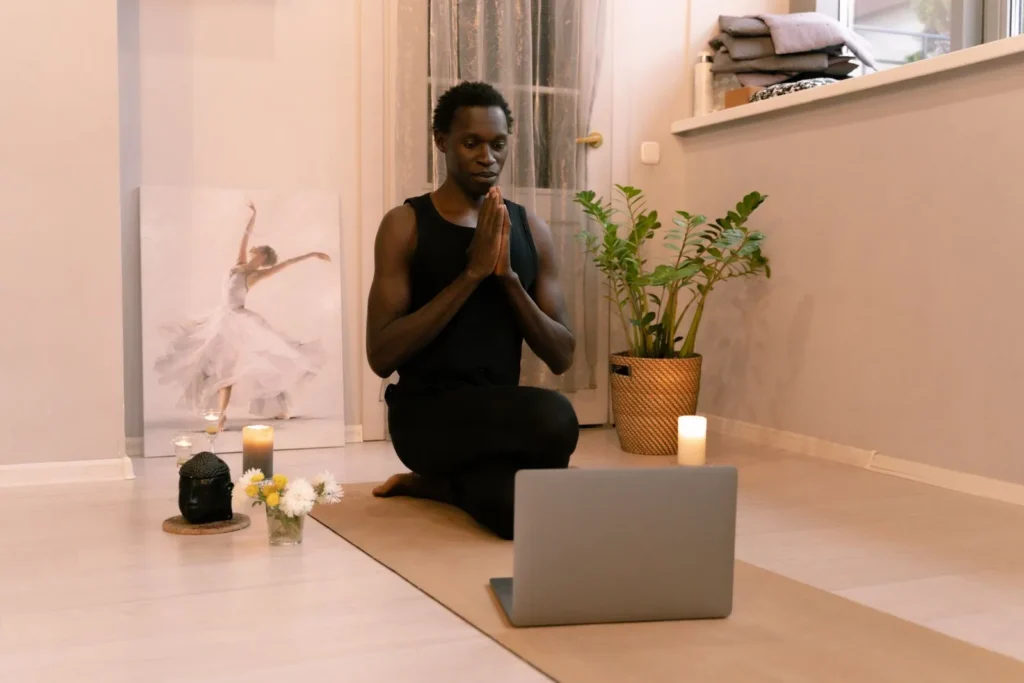
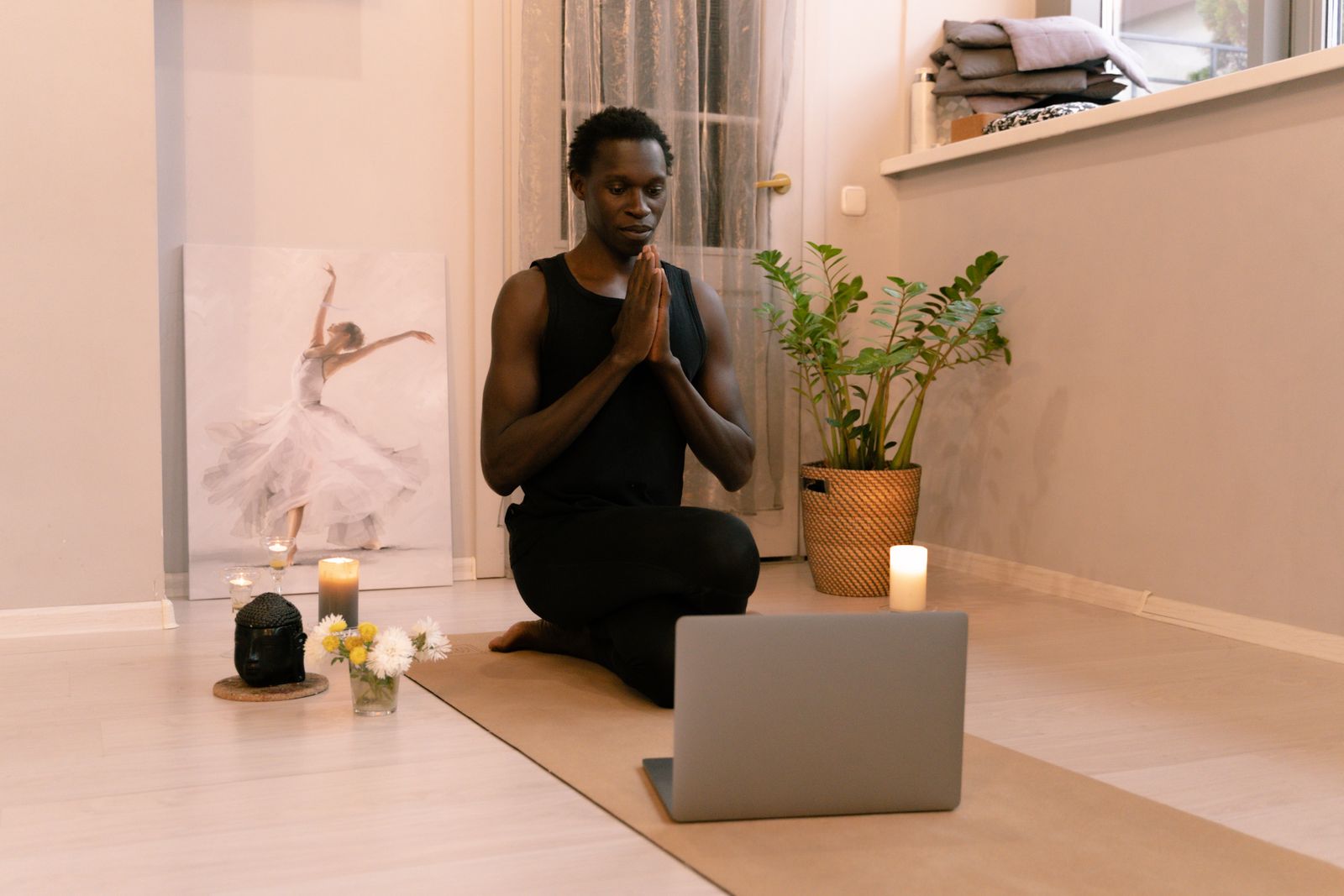
Before your first session you need four things: a recognised teacher training behind you, insurance that explicitly covers remote classes, a quiet corner where your full mat is visible on camera, and an internet connection that holds steady for about 45 minutes. Everything else, including lights, tripods and branding, can be added gradually once classes are running.
Teaching online does not lower the bar on training. You cannot step over and adjust a student’s hips, so your spoken instruction has to do that work. If you are still choosing a course, our guide on how to become a yoga instructor explains the routes and what to look for.
On insurance, do not assume. Ask your provider in writing whether the policy covers instruction by video, and keep the reply. If you are wondering whether this can become a proper income, read our yoga teacher salary guide before setting targets. We leave earnings figures out here because they vary too much between teachers.
Setting up a home studio: camera, sound, light and internet
You can teach yoga online from home with a phone or laptop and very little else. What matters is that students see your whole body and hear every cue. Run each quick test below once before you announce a class.
| Element | Target | Why it matters | Quick test |
|---|---|---|---|
| Camera | Landscape, on a tripod or stable shelf at hip to waist height, about 2 to 3 m from the mat | A standard mat is about 183 cm long and must fit in frame | Do a downward dog and a full lie-down; check head and feet stay visible |
| Light | Face a window or lamp, not a bright window behind you | Backlight turns you into a silhouette | Record 10 seconds and play it back |
| Audio | Clip-on or wired mic near your chest, in a room with soft furnishings | Students forgive soft video sooner than muffled cueing | Record a minute of cueing and listen on earphones |
| Internet | Roughly 3 to 5 Mbps upload, near the router or wired | Freezing breaks the flow of a sequence | Run a speed test at your actual class time |
| Backup | Phone hotspot plus a charged power bank | Power cuts and network drops happen | Switch to the hotspot once in rehearsal |
Wear fitted clothing so students can see your knees, hips and shoulders. Then ask a friend to join as a student and tell you what they can and cannot see. That student’s-eye view catches more problems than staring at your own preview.
Which kind of platform should you use to teach yoga online?
You need three jobs covered, and one tool can cover more than one: a way to run live video, a way to take bookings and payments, and a place to keep recordings. A plain video-call app is enough to begin with. Add a booking tool once you have more than a handful of regular students.
Pick a tool type that fits your stage, and check current plan limits and fees on the provider’s own site.
| Platform type | Best for | Strength | Watch out for |
|---|---|---|---|
| Video-call (meeting-style) app | Small live classes of about 5 to 15 students | Familiar, and you can see your students | Manual payments and link sharing; free plans may cap call length |
| Live-stream platform | Open community classes that build an audience | Wide reach, easy to share | Less privacy, little two-way feedback, no payments |
| Booking and payments tool | Regular paid classes and packages | Schedules, reminders, waivers and payment in one place | Setup time and platform fees; read the terms |
| Recorded-class hosting | An on-demand library | Earns from one session repeatedly; solves time-zone gaps | Editing time, and a catalogue sorted by style, length and focus |
Start live. Real-time feedback builds trust fastest and is the quickest way to turn existing students into online ones. Add recorded classes once you know which sessions people repeat. Many teachers settle on a hybrid: one or two live sessions a week, backed by a small library.
Myth: an online class is just a studio class with a camera pointed at you
Three things are genuinely different on a screen.
- You cannot adjust anyone. Describe the pose in the order a body moves into it, and say what it should feel like, not just look like. For example: “Press the outer edge of the back foot down and feel the thigh turn slightly in.”
- You cannot see everyone clearly. Ask students to keep their full mat in view, scan the gallery during holds, and call out one common correction instead of singling someone out.
- Students look at a screen, not their body. Give the cue before you demonstrate, so they can check their own alignment while you show the pose.
Slow your pace a little compared with a studio class, perhaps by 10 to 15 percent, so people can glance at the screen and reposition. Name poses in both Sanskrit and plain English. Decide before class whether students see you mirrored, and say “your right” or “my right” every time.
How should you structure a 45-minute online yoga class?
A workable 45-minute online class runs: 5 minutes arriving and centring, 10 minutes warming the joints, 20 minutes of main sequence building toward one peak pose or theme, 5 minutes cooling down and 5 minutes of rest. Keep the most demanding poses in the middle, when students are warm and you have seen how everyone moves.
| Minutes | Segment | What you do | Online-specific cue |
|---|---|---|---|
| 0 to 5 | Arrive and centre | Greet people by name, ask about injuries or pregnancy, take five slow breaths | Ask everyone to check their full mat is in frame |
| 5 to 15 | Joint warm-up | Neck, shoulders, wrists, spine and hips; cat-cow and gentle side bends | Face the camera and say left and right aloud |
| 15 to 35 | Main sequence | Build to one peak pose or theme; offer an easier and a fuller option | Keep poses on or near the mat so students stay in frame |
| 35 to 40 | Cool-down | Forward folds, twists and hip openers, held longer | Talk less and let the pause do the work |
| 40 to 45 | Rest and close | Lying rest, then a short, quiet close | Give a one-minute warning before you end |
For monthly themes, a four-week block on yoga for flexibility, then one on yoga for strength, gives returning students a reason to stay. Unsure which style suits your training? Our overview of the types of yoga helps you match it.
Troubleshooting: what to do when a class goes wrong
Something will go wrong in your first month. Decide your response in advance.
- Audio cuts out. Ask students in the chat to hold a simple pose, switch to earphones or the hotspot, and rejoin. If it takes more than two or three minutes, reschedule the rest of the class.
- Power cut. Use the power bank and hotspot, then send one message to the group saying what happens next.
- A student keeps going off-camera. Message them privately after class and offer a simple angle fix.
- Someone says something hurts. Stop the pose, offer an easier option or rest, and never tell anyone to work through sharp pain.
- A student mentions a medical condition. You teach yoga, you do not diagnose or treat. Ask them to confirm with their own doctor before joining.
Open every class with a short safety line: work within your own range and stop if anything is sharp, painful or dizzying. Offer modifications as you cue, not after someone is mid-pose. Our guides to yoga for knee pain and yoga for back pain cover common modifications so you can cue ahead of trouble.
How do you get your first online yoga students?
Start with people who already trust you: past students, colleagues, friends and family. Offer a free or low-cost trial class to roughly 10 of them. Aim to fill one regular weekly class with 5 to 10 students before you add more sessions or build a library. Referrals from that first group usually bring the next wave.
Use this four-week plan as a starting point; the numbers are guidance, not rules.
- Week 1: pick one style, one level and one fixed slot. Early morning and evening suit working professionals in India. Write one sentence on who the class is for.
- Week 2: message 20 to 30 people one by one, not through a mass broadcast.
- Week 3: run the trial, then ask each attendee what helped and what was hard to follow.
- Week 4: announce the weekly schedule, share a booking link and ask each trial student to bring one person.
Beyond your circle, short clips showing one cue or pose breakdown work better than long promotional posts. If you would rather teach for an existing studio or platform, our guide to yoga instructor jobs covers that route separately.
How should you decide what to charge for an online class?
Add up your real costs and the value you offer, then compare with what comparable local teachers charge. Count class time, preparation, admin, platform fees and marketing. Fix a price, state it clearly and avoid discounting every month, because constant discounts teach students to wait for them.
We do not quote rates because they vary by city, experience, class size and format. Live small-group classes usually justify a higher price per head than a recorded library, and packages or monthly plans give predictable bookings but commit you to teaching on schedule. Check platform and payment charges in writing before you set a price that has to cover them.
Choosing a niche: which students should you teach?
A clear niche makes it easier to stand out and to explain your class in one line. Choose based on your training and your honest comfort level, not on what looks popular, and teach only what you are qualified to teach. These are common online options.

- Working professionals. Short sessions of 20 to 30 minutes aimed at desk-posture stiffness.
- Gentle and recovery classes. Restorative yoga works well on a screen because poses are low and held.
- Athletic audience. Power yoga needs sharper cueing, because the pace leaves less time to correct.
- Prenatal students. Prenatal yoga needs specific training. Do not teach pregnant students without it, and ask them to get their doctor’s go-ahead first.
Whatever you choose, do not promise medical outcomes. You can call a class gentle, strengthening or relaxing, but not a cure for pain or a condition.
Frequently asked questions about teaching yoga online
Do I need a certification to teach yoga online?
You can technically stream a class without one, but most students, insurers and booking platforms expect a recognised teacher training, commonly 200 hours or more. Without it you may struggle to get insurance or to earn trust. Complete a proper training before you teach publicly, even online.
Can I teach yoga online with just a phone?
Yes. A phone on a stable stand, held in landscape about 2 to 3 m from your mat, is enough to begin. Spend your first small budget on a clip-on microphone, since clear audio matters more than sharper video. Upgrade the camera only after your classes are running steadily.
How many students should I start with in a live class?
Start with about 5 to 10 students. At that size you can see every screen, learn names and spot problems early. Grow past 15 only when you have a routine for scanning the gallery and handling questions, or when you have an assistant to help.
Should I teach live classes or recorded classes?
Begin with live classes, because feedback and community build loyalty fastest. Add recorded classes once you know which sessions students repeat. A hybrid works well for many teachers: one or two live sessions a week, plus a small library of recordings sorted by length and focus.
How do I keep online students coming back?
Keep a fixed weekly schedule, learn names, and message absent students kindly after a missed class. Run themed series of three to four weeks, and finish each one by asking what to cover next. Consistency matters more than variety, so protect your class time.
Want to see how a well-run live class feels from the student side? Join a FitStrot online yoga class, notice how the cueing, pacing and check-ins work, then borrow what suits your own teaching.