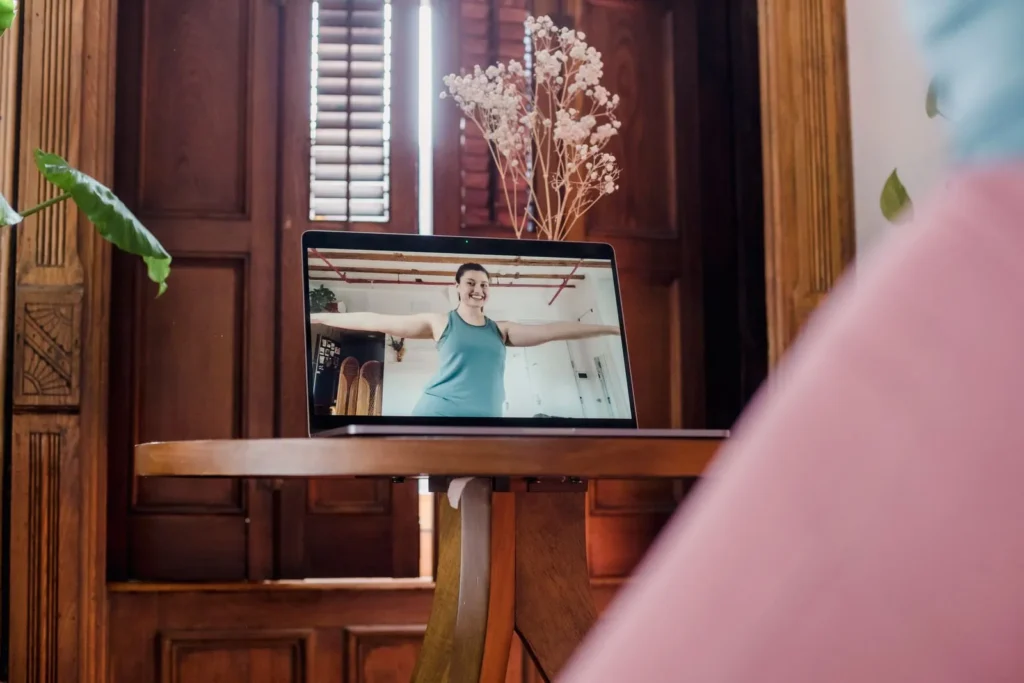
Live yoga classes online are real-time sessions where a teacher leads you over video, can see you on screen, and corrects your posture and breathing while you practise. Unlike a recorded video, a live class runs at a fixed time and responds to the people in it. This guide explains how live classes work, how they compare with recordings and apps, what tech you need, and what your first week should look like.
How do live yoga classes online work?
A live yoga class online is a scheduled session, usually 30 to 60 minutes, streamed through a video-call tool. You join from a link, keep your camera on if you want feedback, and follow the teacher in real time. The teacher can watch, adjust the pace, give modifications and answer questions as the class runs.
Most sessions follow a familiar shape, whatever the style:
- Joining and settling (3 to 5 minutes). You log in early, check sound, and the teacher may ask about injuries or anything new since last time.
- Warm-up (5 to 10 minutes). Gentle joint mobility, breath awareness and simple stretches to wake the body up.
- Main sequence (20 to 35 minutes). Standing poses, flows, balance or floor work, depending on the style and level.
- Cool-down and relaxation (5 to 10 minutes). Slower stretches, then a rest in shavasana.
- Close. A short wrap-up, sometimes with time for questions in chat or by voice.
The big difference from a studio is only the screen. The teacher still sets the pace and still cares whether you are doing the pose safely. The difference from a recorded video is that someone can actually answer you.
Live, recorded or app: which one fits you?
Live classes give real-time correction and a fixed schedule. Recorded classes give flexibility and repeatability at low cost. Apps add reminders, streaks and variety. Most people do best combining them: live sessions for feedback two or three times a week, recordings for the days in between.
| Feature | Live class | Recorded video | Yoga app |
|---|---|---|---|
| Real-time form correction | Yes, if the teacher can see you | No | Rarely; some use basic prompts |
| You can ask a question | Yes, by voice or chat | No | Usually no |
| Fixed schedule and accountability | Strong | You decide, so easy to skip | Reminders only |
| Flexibility of timing | Limited to slots (unless replays exist) | Any time | Any time |
| Adjusts to injuries or limits | Yes, if you tell the teacher | No | Limited |
| Best for | Beginners, building a habit, safe progress | Repeating a routine you already know | Variety and tracking |
If you are still deciding whether to practise with a teacher or a screen-only tool, our guide to yoga apps covers that side, and our overview of online yoga classes explains the wider format.
What does teacher feedback look like on a screen?
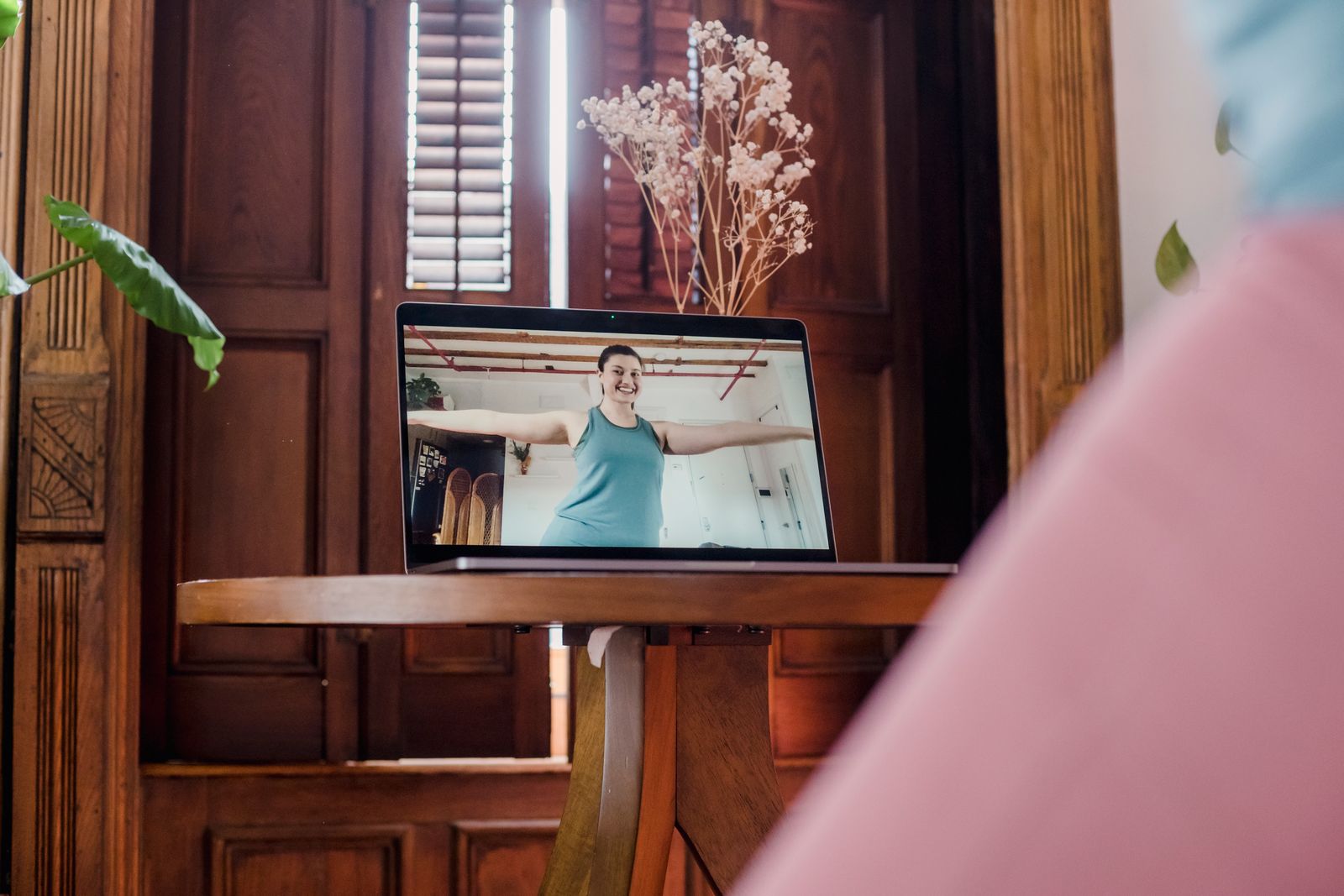
Feedback in a live online class is mostly verbal and visual. The teacher names you or your position, says what to change, and shows a modification on screen. Examples include “bring your front knee over the ankle”, “lower your shoulders away from your ears” or “keep your hands where they are and bend the knees”.
It works well when you help it work. A few habits make a big difference:
- Put your camera where the teacher can see your whole body. Prop your phone or laptop at a distance, at about hip height, not close to your face.
- Tell the teacher about injuries, surgeries or pregnancy before class starts, not halfway through a pose.
- Use your mic when something feels wrong. Pain, dizziness or pinching deserves a quick “pause, this hurts”.
- Ask for a variation. A good teacher will give an easier or harder option on the spot.
What a screen cannot do is physically adjust you with hands. For most people that matters little. If you have a specific injury or persistent pain, check with your doctor first, and consider a short 1-1 personal training session for extra individual attention. Our guide to yoga for back pain explains what is sensible to try.
Myths about live online yoga
Myth: “The teacher cannot really see me”
If your camera is on and placed well, a teacher can see posture, balance and pace. In a small class they can spot the knee that collapses inward or the shoulders that creep up. In a very large class that gets harder, which is why class size matters.
Myth: “I need to be flexible to join”
Flexibility is something yoga builds, not a requirement. Beginner and gentle classes are designed for stiff bodies, and props such as a cushion, a belt or a stack of books can stand in for blocks and straps.
Myth: “Live means I must keep my camera on”
Not necessarily. Many people prefer camera off in their first class, which is fine for following along. Just remember that without video the teacher cannot see form, so you lose the main benefit of going live.
Myth: “A recording does the same job”
Recordings are excellent for repeating a sequence you already understand. They cannot tell you that your hips are sagging in a plank. For a beginner, that is the difference between a pose that helps and a pose that strains.
Tech and space setup checklist
You need much less than most people think: a phone, tablet or laptop with a camera, a steady internet connection of a few Mbps, a mat, and roughly 6 by 4 feet of clear floor. The table below shows what is essential and what is nice to have.
| Item | Minimum | Better | Why it matters |
|---|---|---|---|
| Device | Phone with a stand or stack of books | Laptop or tablet with a larger screen | A bigger screen lets you see demonstrations clearly |
| Internet | Steady home broadband or good 4G | Wi-Fi close to the router, other devices paused | Fewer freezes and dropped calls |
| Camera position | Propped at the side or front, whole body visible | Slight distance, hip height, good light on you | Lets the teacher judge your alignment |
| Sound | Phone speaker on loud | Earphones or a small external speaker | You hear cues during breathing and holds |
| Floor and mat | Non-slip mat on a flat surface | Mat plus a rug or towel on smooth tiles | Stops sliding in standing poses |
| Props | Towel, cushion, sturdy chair | Two blocks, a strap, a bolster | Makes poses accessible and safe |
Your first week of live yoga, day by day
A gentle first week builds a habit without overdoing it. Keep your first class easy, expect some stiffness, and go slowly. Here is a simple pattern you can adapt around your own work and family schedule.
| Day | What to do | What to expect |
|---|---|---|
| Day 1 | Test your setup, join five minutes early, take a beginner or gentle live class | Feeling a little awkward is normal; focus on breathing |
| Day 2 | Rest, or 10 minutes of easy stretching | Mild muscle soreness is common |
| Day 3 | Second live class; try camera on and ask one question | Poses feel more familiar |
| Day 4 | Rest or a short walk | Check how your body feels |
| Day 5 | Third live class; use a prop if a pose strains | Better balance and breathing rhythm |
| Day 6 | Optional recorded session of poses you already know | Practising alone without a teacher |
| Day 7 | Rest and review: what worked, what hurt, what to tell the teacher | Decide whether the style and time slot suit you |
Pain is different from effort. Stretching or muscle fatigue is fine. Sharp, pinching or radiating pain, dizziness or numbness means stop, ease out of the pose and tell the teacher. If it keeps happening, speak to a doctor.
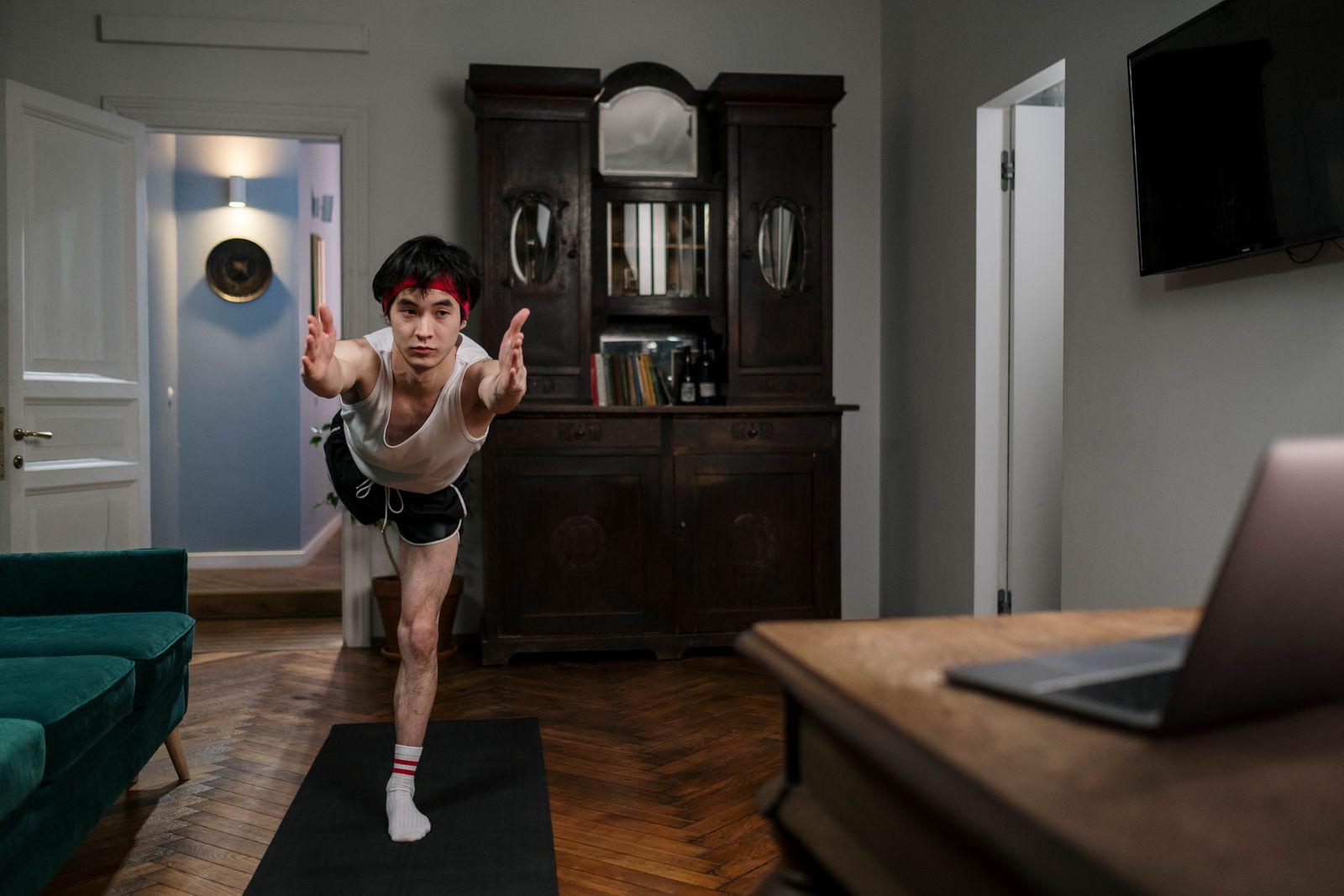
Troubleshooting common live class problems
- The video freezes or lags. Close other apps, move closer to the router, ask family to pause streaming, and switch off your video if needed, keeping audio on.
- You cannot hear the teacher. Try earphones or a small speaker, and check your volume and the app’s audio settings before class.
- You cannot see the screen from your mat. Move the screen farther back and raise it. If you are in a pose with your head down, listen for cues, then glance up after.
- The teacher moves too fast. Say so. Choose a beginner class, take the easier version or rest in child’s pose when you need to.
- Not enough space. Clear a space the size of your mat, with an arm’s length around. Standing poses can work if you shorten your stance.
- You keep missing the live slot. Pick a time you can truly protect, such as early morning or just after work, and ask whether replays are available.
Picking a live class: what to look for
Ask a few questions before booking, and judge a provider on how clearly it answers them. These are the points that matter most:
- Class size. Smaller groups mean more individual attention.
- Two-way interaction. You should be able to speak or chat, not just watch.
- Teacher credentials. Ask about training and experience with beginners or specific needs.
- Level and style. Compare hatha yoga, which is slower with longer holds, with vinyasa yoga, which links breath and movement in a flow. Our guide to types of yoga covers the rest.
- Schedule and replays. Check timings in your own time zone and whether recordings exist.
- A clear trial option. Try one class before paying for a longer plan.
Looking for something nearby in feel or language? Our pages on online yoga classes near me and online yoga classes in India help you narrow the search.
Who benefits most from live classes
Complete beginners
Beginners gain the most from live feedback, because small alignment habits form early. Start with a gentle or beginner class, two or three times a week.
Busy professionals
A fixed slot, even 30 minutes, works like a meeting you cannot reschedule. Many people find a morning slot before the day fills up is easiest to protect.
People with stiffness or old injuries
Tell the teacher and your doctor. Live classes allow modifications, but they are not a treatment, and you should not push through pain.
Goal-focused learners
If your aim is fat loss, yoga helps most as part of a wider routine of movement and sensible eating. Read our guide on yoga for weight loss for realistic expectations, and see the benefits of yoga for what regular practice can offer.
How to combine live and recorded practice each week
A balanced week might include two or three live classes, one or two short recorded sessions of poses you know, and at least one full rest day. Consistency matters more than intensity: a regular 30 to 45 minute rhythm beats one heroic session followed by weeks off. Use recordings to repeat what the teacher has taught, not to learn new poses alone.
Next step: if you want a teacher watching and guiding you, book a trial session of Fitstrot’s online yoga classes and test the live format this week.
Frequently asked questions
Are live yoga classes online better than recorded videos?
For beginners, usually yes, because a live teacher can correct your posture and answer questions in the moment. Recordings are better for repeating a sequence you already know, so many people use both.
Do I need a camera for a live yoga class online?
You can join without one, but feedback depends on the teacher seeing you. With your camera on and the whole body in view, the teacher can correct alignment and offer modifications.
What do I need for a live yoga class at home?
A phone, tablet or laptop with a camera, a steady internet connection, a yoga mat and about 6 by 4 feet of clear floor. A cushion, belt and sturdy chair can replace blocks and straps at first.
Can beginners join live yoga classes online?
Yes. Choose a beginner or gentle class, arrive a few minutes early, mention any injuries, and use props or easier variations. Most teachers expect first-timers and plan for them.
How many live yoga classes a week should I do?
Two or three live classes a week, with rest days between, is a sensible start for most beginners. Add short recorded sessions on other days once your body is used to it.