A workout challenge app can be the push that turns a vague plan into 30 days of showing up, or it can be a streak counter that leaves you with a sore knee and a deleted icon by week three. The difference is whether the features match how you actually live. This guide gives you a nine-point checklist, a 21-day setup plan and a list of red flags, with no brand names, so you can test any app in ten minutes.
What should a workout challenge app actually do?
A good workout challenge app does four jobs: it gives you a clear daily task of 20 to 40 minutes, records what you finished, reminds you at a time you choose, and lets you scale the load when you are tired or sore. Streaks and badges are decoration. Those four jobs decide whether you reach day 30.
It also helps to know which tool you are shopping for. Challenge apps run a short, fixed program with a start and end date. Planner apps organise a longer training split. Timer apps handle intervals and rest. Log apps record sets, reps and weights. If you already follow a structured workout routine, you may only need a log or a timer.
The 9-point checklist for choosing a workout challenge app
Score each row 0 (missing), 1 (partly there) or 2 (clearly there). A total of 14 or more is worth a 30-day trial. Under 10, skip it.
| Checklist point | What good looks like | Red flag | 10-minute test |
|---|---|---|---|
| 1. Starting-level questions | Asks about experience, injuries and equipment before assigning anything | Same plan for everyone | Count the onboarding questions; 5 or more is a good sign |
| 2. Easier and harder versions | Every move has a regression and a progression | One version only | Open any workout and look for a swap or “make it easier” option |
| 3. Missed-day rules | Pause, freeze or make-up option | Streak resets to zero after one missed day | Search the settings for streak protection |
| 4. Equipment filters | Bodyweight, resistance band and dumbbell options | Assumes a full gym | Filter for “no equipment” and see how many workouts remain |
| 5. Session length options | 10, 20 and 30-minute versions | Only 45-minute sessions | Check whether you can change length without losing the programme |
| 6. Clear demonstrations | Short video plus one form cue per move | Text-only list of exercise names | Play three exercises you have never done and see if you can copy them |
| 7. Reminder control | You choose the time and can snooze | Constant pings, or no reminders at all | Set a 6:30 am reminder and a snooze |
| 8. Data and offline use | Works offline, light on mobile data and battery | Streams every video, fails on weak signal | Switch to flight mode and open today’s workout |
| 9. Cost and privacy | Price shown before the trial ends, easy cancel, no body photos required | Hidden renewal, pushy upgrade screens | Find the cancel button before you enter payment details |
Rows 2, 3 and 5 matter most. They decide whether the app bends when your week gets messy, and in India that happens often: a power cut, a delayed train, a guest at home or a festival week can all break a rigid plan. An app that needs strong data to load a video will fail on the days you have the least willpower.
Why do most people quit a workout challenge by week two?
Most people quit in the first two weeks because the early sessions are too long, too hard or tied to a time of day that does not fit their life. A challenge works when day one feels almost too easy, the cue is fixed, and a missed day has a plan. Motivation fades; design stays.
Habit builders use a simple loop: a cue, an action and a reward. The cue is what starts the action, such as finishing your morning chai, reaching home and changing clothes, or the 7 pm alarm after your child’s homework. The reward is the tick, the streak and the good feeling you note afterwards. Most apps supply the reward but leave the cue to you, so decide it before day one and set it as the app’s reminder.
Three design choices help more than extra willpower:
- Start smaller than feels necessary. If you can do 20 minutes, schedule 12. Finishing with energy left makes tomorrow easier to begin.
- Fix the place as well as the time. A mat in the same corner removes one decision.
- Define a minimum day. A 5-minute session counts on bad days, so one rough day never becomes an all-or-nothing quit.
How do you set up your first 21 days in a workout challenge app?
Run your first 21 days in three one-week blocks: 10 to 15 minutes on 4 days in week one, 15 to 20 minutes on 4 to 5 days in week two, and 20 to 30 minutes on 5 days in week three. Add one full rest day each week and one 5-minute minimum day for bad evenings.
| Week | Session length | Days | Main goal | Rule for the week |
|---|---|---|---|---|
| Week 1 | 10 to 15 minutes | 4 | Show up and learn the moves | Use the easier version of everything; stop with energy left |
| Week 2 | 15 to 20 minutes | 4 to 5 | Lock in the cue, time and place | Rate how you felt from 1 to 5 after each session |
| Week 3 | 20 to 30 minutes | 5 | Add a little load | Add one round, a few reps or a heavier option on only two moves |
| Day 22 onward | Your choice | 4 to 5 | Decide: repeat, step up or switch | Review your ratings; if most are 4 or 5, step up |
Most adults aim for roughly 150 minutes of moderate activity a week, plus strength work on two days. This plan reaches that range only in week three, deliberately. If you train at home, our guide to home workouts shows how to build the same structure with no equipment.
Myth: a longer streak means a better result
You can log 60 straight days of the same easy circuit and be no stronger on day 60 than on day 6. Streaks also reward the wrong behaviour when they punish rest: people train through pain or illness because skipping would reset the counter.
Track three things instead of the streak. First, one performance number, such as push-ups in a set, plank hold time or the weight you can lift for 10 clean reps. Second, your 1 to 5 effort and energy rating. Third, a body check every two weeks, such as waist measurement taken at the same point, or a photo in the same light. Weekly weight swings of a kilo from water and food are normal.
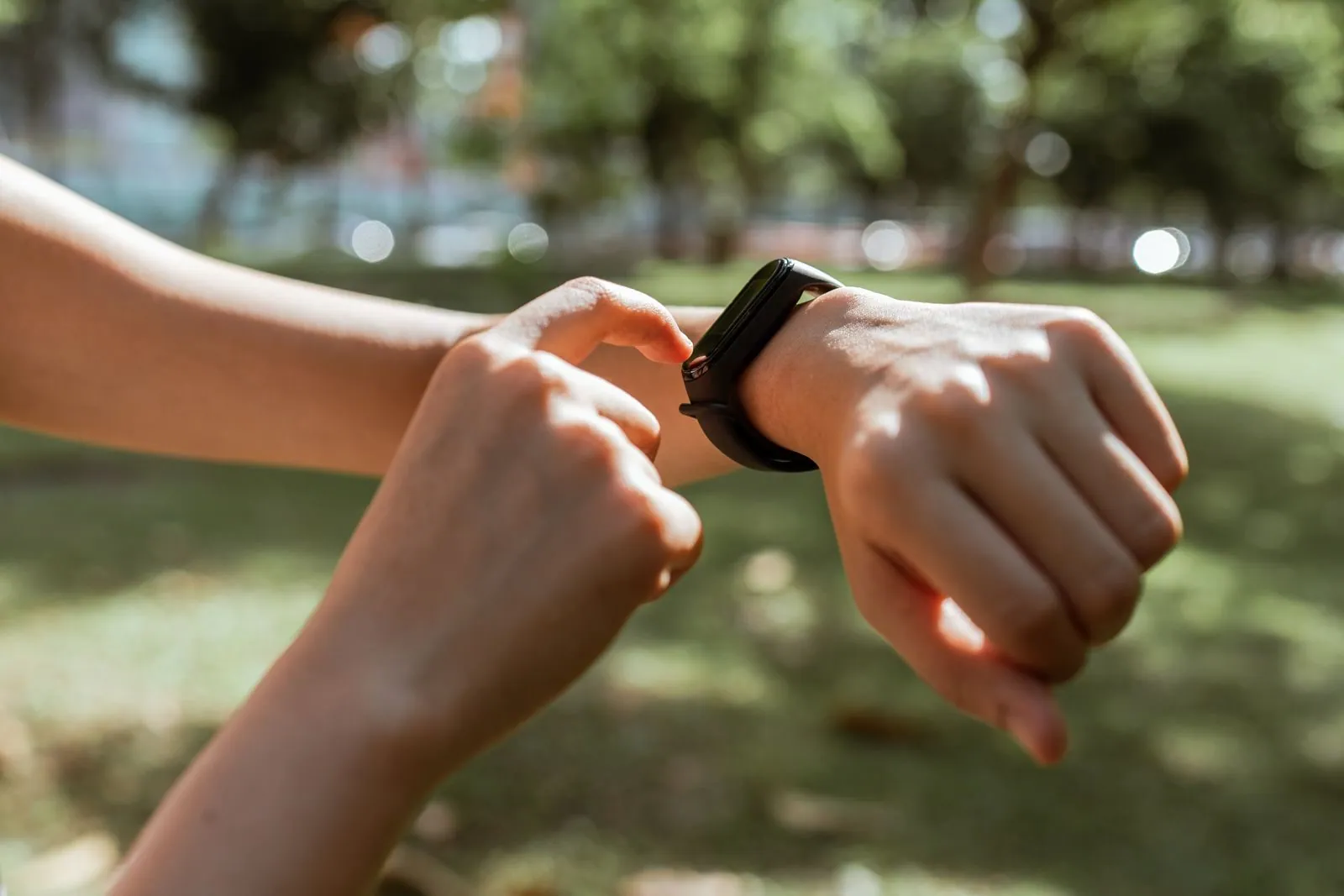
Calorie-burn figures from watches and apps are estimates and often run high. Treat them as rough guides.
How long should a workout challenge last?
Choose 14 days if you have not exercised in months, 30 days if you can already manage three sessions a week, and 60 to 90 days only if the app lets you change the plan midway. A challenge you finish teaches your body and your calendar more than one you abandon on day 12.
| Challenge length | Best for | Main risk | Look for |
|---|---|---|---|
| 7 to 14 days | Restarting after a long break | Ends before the habit forms | An easy path into a longer programme |
| 21 to 30 days | Most beginners and returners | Rapid jumps in volume in the last week | Gradual weekly progression and rest days |
| 60 to 90 days | People who already train and want structure | Boredom and a fixed plan that stops challenging you | Mid-programme resets and the option to swap moves |
Before day 25, decide whether you will repeat the block, move to a written workout plan, or hand the next phase to a coach.
Troubleshooting: what to do when the app and your body disagree
The app follows a script. You are the one in the room, so your body wins every disagreement. These are the situations that come up most often.
- A joint feels sore or pinchy. Swap the move for an easier version or a different one that works the same muscles. Muscle soreness for 24 to 72 hours after new work is normal. Sharp, pinching or joint pain is not. If it lasts more than a week, or you feel numbness or swelling, see a doctor or physiotherapist.
- You slept under five or six hours. Do the minimum day or a light walk. Pushing a hard session on top of a poor night rarely pays off.
- You missed three days or more. Do not try to make up for it. Restart at the week you were in, using the easier version for the first session.
- Week three feels boring. Change the order, the music or the place before you change the whole programme.
- Travel, exams or a festival week. Pre-decide a 10-minute version. Keeping the cue alive matters more than session length that week.
Which type of workout challenge app suits you?
The right app depends on who you are. Beginners need short sessions and clear demonstrations, busy people need flexible length and offline use, and anyone with an injury or medical condition needs a doctor’s go-ahead first. Use the checklist rows that match your situation.
- Total beginners: pick demonstration-heavy apps with short sessions and clear regressions. Rows 1, 2 and 6 in the checklist matter most.
- Busy professionals and shift workers: prioritise flexible session lengths, offline use and customisable reminders, rows 5, 7 and 8.
- Women: look for options that work around cycle-related energy changes, home-friendly sessions and privacy controls. See our guide to a workout for women app.
- Returning after a break or over 40: gradual progression and plenty of rest days matter more than intensity. Start at the lower end of every range.
- Anyone with an injury, heart condition, high blood pressure, diabetes or pregnancy: speak to your doctor before starting any challenge. A generic app cannot adjust for your condition.
- Experienced lifters: skip the challenge format; use a log app or timer with your own plan.
When is an app enough, and when should you add a coach?
An app is enough while the aim is to build the habit and your moves feel pain-free. Add a coach when you have a specific goal and deadline, an injury history, a plateau of four weeks or more, or doubts about your form. A coach watches movement and changes the plan. An app cannot do either.
Many people use both: the app for timers, logs and nudges, the coach for judgement. Structured online workouts with a live coach give you the same schedule an app promises, plus someone adjusting the plan session by session. If your main goal is fat loss, an online weight loss trainer can pair training with realistic food targets, which no challenge app does well.
A workout retreat can also kickstart momentum before you return to weekly training. Whatever you choose, judge it on week-four results, not day-one excitement.
If you have finished a challenge and want a plan that adapts to your body and schedule, talk to a Fitstrot coach about 1-on-1 personal training, and bring your last two weeks of app logs so we can start from real numbers.
Frequently Asked Questions
What is a workout challenge app?
A workout challenge app is a mobile or web tool that packages exercise into a fixed-length programme, usually 7 to 90 days, with daily tasks, tracking, reminders and streaks. It is designed for habit formation and accountability, not for personalised programming around your injuries or recovery.
How do I choose a workout challenge app?
Score it against the nine-point checklist above: starting-level questions, easier and harder versions, missed-day rules, equipment filters, session lengths, clear demonstrations, reminder control, offline use, and transparent cost. Test each in the free version for ten minutes. A score of 14 out of 18 or more is a good sign.
Are free workout challenge apps good enough?
Often yes, for the first 30 days. A free app that scores well on scaling, missed-day rules and reminders will serve a beginner. Paid versions mainly add more programmes and analytics. Pay only after you have completed a free challenge and know which features you actually missed.
How long should a workout challenge last?
For most beginners, 21 to 30 days is the sweet spot, since it is long enough to build a routine and short enough to finish. Start with 14 days if you are restarting after a long break, and choose 60 to 90 days only if the plan can change midway.
Can a workout challenge app replace a personal trainer?
Not fully. An app can supply structure, reminders and a record, but it cannot watch your form, notice a compensation or adjust for a bad week. Use the app for consistency, and add a coach when you have a deadline, an injury history or a plateau.